

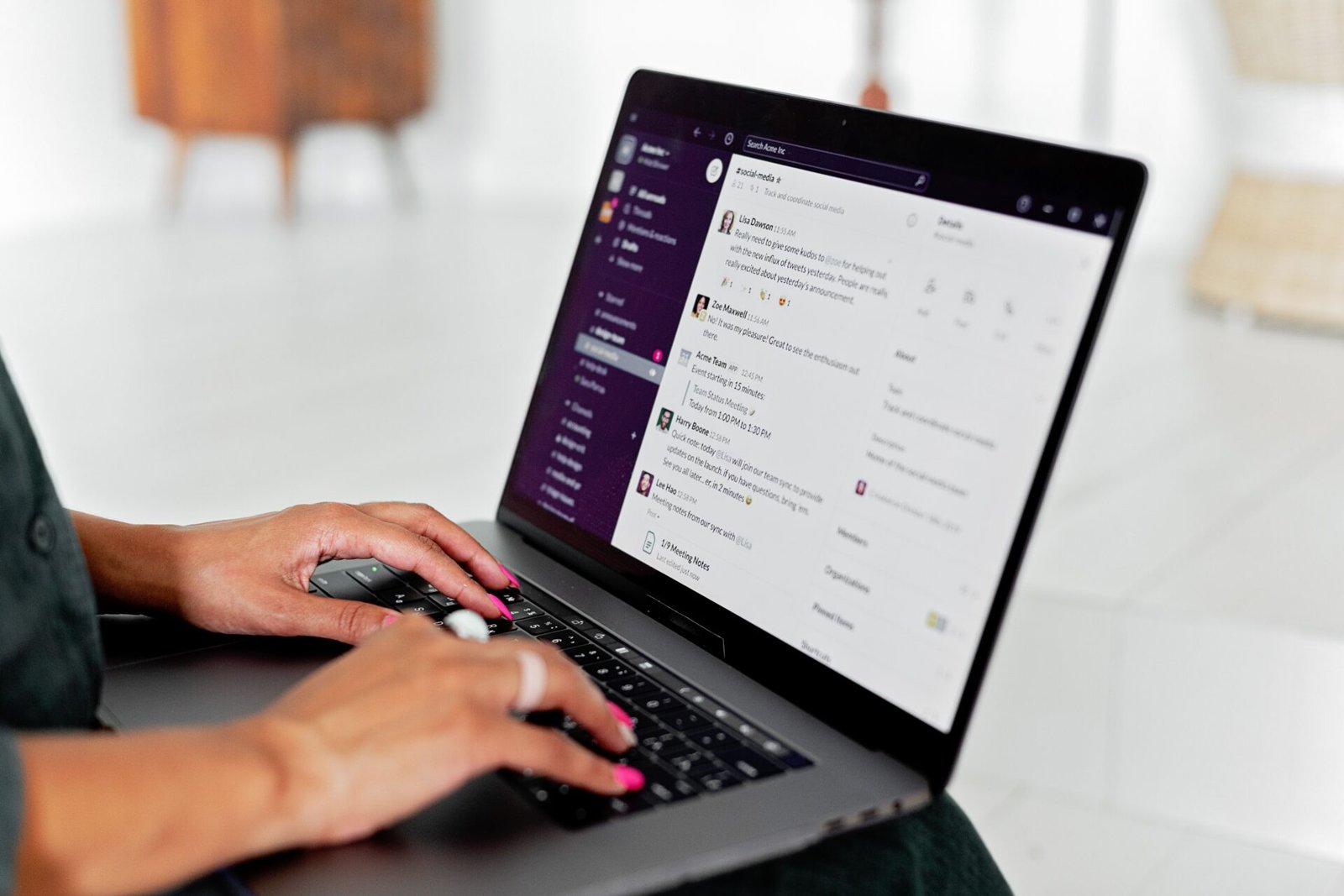
When you work remotely, your messages are your presence. Colleagues can’t read your body language or catch your tone in a hallway conversation, so everything they know about your work and your attitude comes through what you write and when you choose to write it. Corporate etiquette can feel laborious, but it exists to help and protect you as much as it protects the company. Knowing what belongs in a quick DM, what needs an email with the right people in cc, and what deserves a call will save you and your team hours of confusion. This guide covers the basics.
Write messages that don’t need follow-up questions
- Match the tool to the message. A quick DM on Teams works for something small. An email with the right people in cc works for anything important. A record on Confluence works for decisions and outcomes.
- Keep minutes of meetings (MOMs). Pull out the action items, then document what happened once those actions are done. Use Jira to track platform bugs and enhancements.
- Don’t spam people with work in progress. Once something has been discussed and acted on, document the result and share it clearly with everyone involved.
Chat, email or call?
Use chat for:
- Scheduling calls and meetings
- Following up on action items
- Birthdays and friendly icebreakers
- Sharing a document quickly. Email stays the primary place for sharing, so chat is the handy backup when you can’t remember the name of a doc you sent earlier.
Use email for:
- Sharing trackers and documents
- Announcing the outcome of a larger initiative
- Giving a shout-out to teammates who went above and beyond
- All external communication with clients. Even if you’ve had a personal chat, translate it into an MOM and send it by email so there’s a clear record.
Use a call for:
- Platform demos
- Platform queries and enhancements
- Project revisions that need heavy changes and brainstorming
Tone tips so you don’t sound cold
- Use those “corporate” phrases. They may sound cringe, but they clarify the status of the work. Phrases like “circling back” or “per my last email” tell people exactly where things stand.
- Add your own touch. If you bond with a colleague over memes, share a harmless one now and then. GIFs can land well too, but it depends on the recipient, so be careful.
- Set your status. Teams, Google Meet and Zoom all let you show whether you’re busy, free or out of office. It saves people from wondering why you haven’t replied.
- Greet people before getting to the point. A simple “Hi Priya” or “Good morning” softens a message. A request that begins with no greeting can read as curt.
- Be clear about deadlines without sounding demanding. Giving a reason helps: “Could you send this by Thursday so I can include it in the Friday report?”
- Soften feedback and disagreement. Start with what’s working, then suggest changes. “This looks good, one thing I’d tweak is…” lands better than “This is wrong.”
- Read your message aloud before sending. If it sounds abrupt out loud, it will sound abrupt on the screen.
- Say thank you in public. A quick note of appreciation in a group chat or email, especially after someone’s help, builds goodwill and makes remote teams feel more connected.
Clear remote communication comes down to choosing the right channel, documenting outcomes, and writing with a little warmth. Do these consistently and your colleagues will always know where things stand and that you’re easy to work with.
Discover more from USAMallu
Subscribe to get the latest posts sent to your email.